
Zeekpowa Programming Cable
A 5-pin USB programming cable for BBS01, BBS02 and BBSHD motors, long enough to reach a laptop on the bench
- Wiring and programming
A UART BBSHD takes its orders from a handful of numbers stored in the controller. Change them with a cheap USB cable and a laptop, and the same motor rides like a different bike.
Up to date · September 2026Plug a BBSHD programming cable into the display socket on the harness, open the Bafang configuration tool on a Windows laptop, read the controller, save a copy, then change and write settings tab by tab. CAN-bus motors use Bafang's own tools, a programmable display or the Bafang app instead.
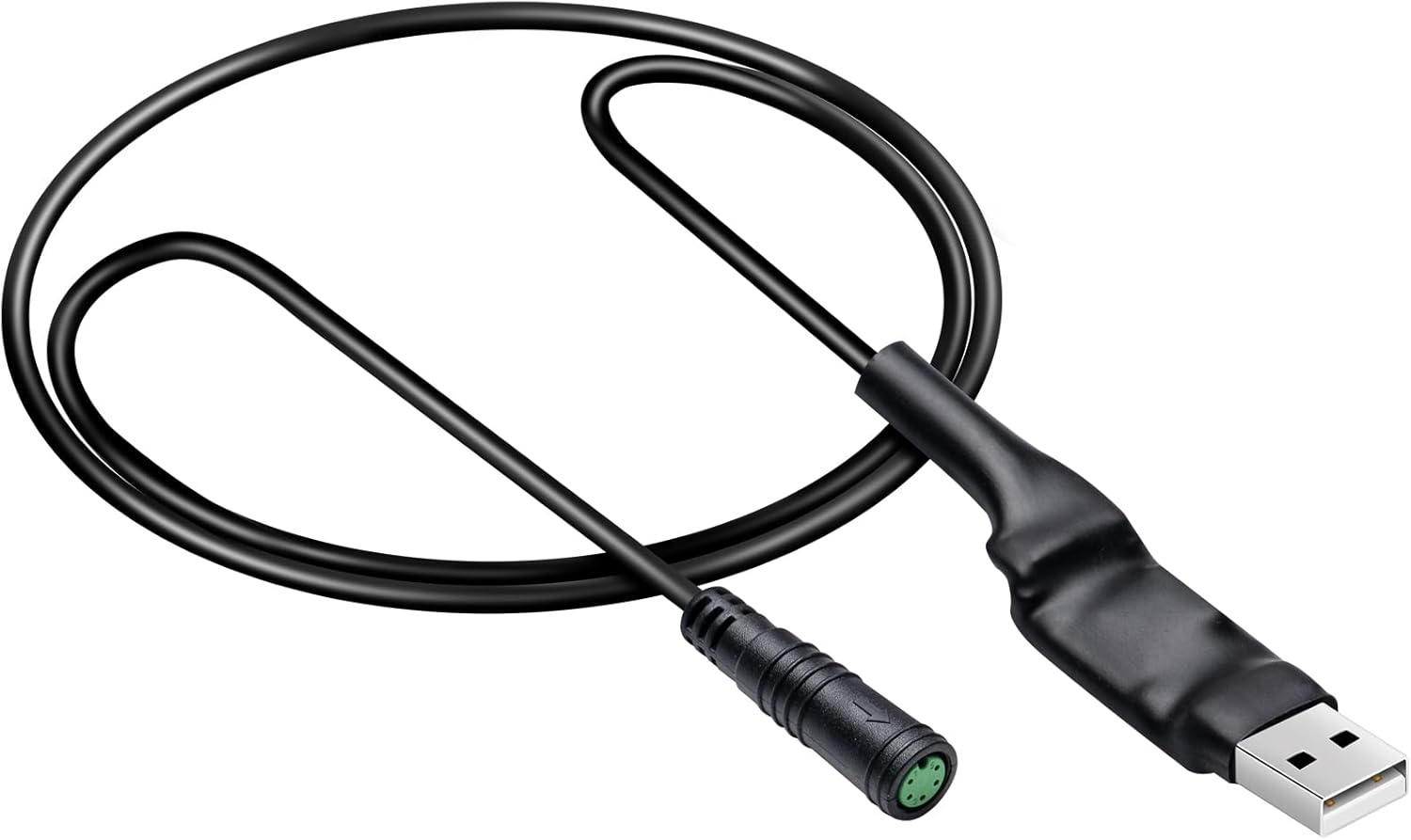

Programming a UART BBSHD needs very little kit. You want the USB programming cable, a Windows laptop, the configuration software and the battery connected, because the controller must be powered to talk.
The software most owners use is the Bafang configuration tool maintained by Penoff, a free Windows program that reads and writes the three settings tabs. Cable makers also bundle a copy, and one cable points to its download through a QR code on the label.
CAN-bus BBSHDs do not speak to this tool. Their settings live behind Bafang's own software, a programmable display or the Bafang app, as the controller guide explains.
Reprogramming can void a warranty, and a careless current or voltage value can damage the motor, so change settings in small steps.
| Setting | Tab | What it controls | Where to start |
|---|---|---|---|
| Low Battery Protect | Basic | Cutoff voltage | Suit it to your pack's cell count |
| Limited Current | Basic | Maximum amps, up to 30A | Leave at 30A unless heat is a problem |
| Assist level current % | Basic | Current each level allows | Small steps low, big steps high |
| Assist level speed % | Basic | Speed cap per level | Raise the low levels for trail use |
| Wheel diameter | Basic | Speed reading | Match your tyre size |
| Start Current | Pedal | Strength of the first push | Lower it for a softer launch |
| Slow-Start Mode | Pedal | Length of the ramp to full assist | Higher numbers ramp more gently |
| Start Degree | Pedal | Crank turn before assist | Fewer signals for quicker pickup |
| Time of Stop | Pedal | Run-on after you stop pedalling | Shorten it for tight trails |
| Throttle Mode | Throttle | Speed or current control | Current feels more like a torque dial |
| Designated Assist | Throttle | Level the throttle always uses | Set 9 for full throttle at any level |
Setting names follow the common UART configuration tool. Suggested starting points are directions, not factory values; change one thing at a time and ride between changes.
The Basic tab holds the numbers that decide how much power the motor gets and when the battery is declared empty. Get these right first, because every other tab works inside the limits set here.
Low Battery Protect is the cutoff voltage. Set it to suit your pack: 3.0V per cell works out at 39V for a 13-cell 48V pack and 42V for a 14-cell 52V pack, and a volt or two above that spares the cells.
A gentle ramp suits most trail riders: something like 10–15% of current at level 1, building steadily to 100% at level 9. Cargo riders often keep more in the middle levels, where they spend most of a loaded climb.
These are the best BBSHD settings for most riders only as a starting point. Ride a familiar loop after each change and note what felt better.
Pack voltage and discharge rating decide how far you can push the current limit, and the battery guide has both.
|
Zeekpowa Programming Cable |
E-Mangue Programming Cable |
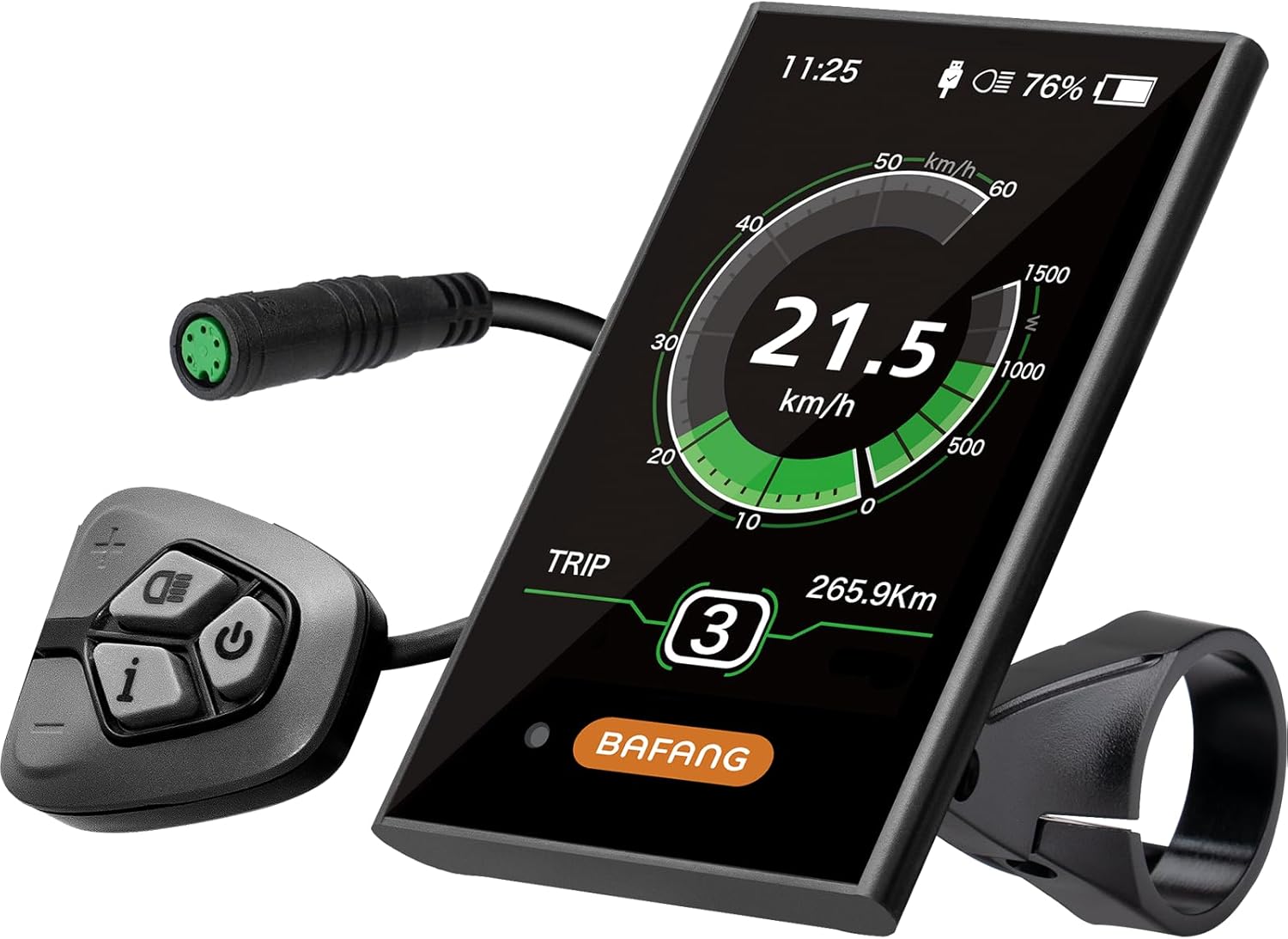 BAFANG DPC18 Color Display
 |
 Zeekpowa C961 Display
 | |
| Type | Cables & programming | Cables & programming | Display | Display |
| Protocol | — | — | — | UART |
| Shop now | Shop now | Shop now | Shop now |
The Pedal tab decides how pedal assist behaves in the first second after your foot moves. On a cadence-sensing motor like the BBSHD, that second is where most of the ride feel comes from.
The factory values start assist hard and cut it abruptly. On a steep switchback that can mean a surge at exactly the wrong moment, and on a loaded cargo bike it hammers the nylon primary gear.
Here is how different riders tend to set the tab:
| Rider | Start current | Slow start | Stop time |
|---|---|---|---|
| Technical trail | Low | Gentle | Short |
| Cargo hauler | Low to medium | Gentle | Medium |
| Commuter | Medium | Medium | Medium |
Softer launches also spare the gearbox. Hard starts wear it, and the nylon gear guide says why.
A 5-pin USB lead that plugs into the display socket on a UART harness. It opens every setting in the Basic, Pedal and Throttle tabs, and it is the cheapest upgrade on the bike.
Shop nowSome riders want the BBSHD throttle only: a trike rider with bad knees, a cargo bike that crawls away from lights, or a builder who simply prefers a thumb to cadence sensing. The Throttle tab makes that possible without unplugging anything.
Start with the throttle signal itself. Start and end voltage tell the controller where throttle travel begins and ends; match them to your throttle so the first millimetre of travel does something and the last reaches full power.
One common way to set up throttle-only riding keeps pedal assist nearly silent. Set level 1's current very low in the Basic tab, set the throttle's designated assist to 9, and ride in level 1. The motor barely helps your pedalling but the throttle has full power.
A 3-pin thumb throttle plugs into the 1T4 harness. Throttle and display options are compared in the display guide.
A laptop is not the only way to program a BBSHD. The EggRider is a Bluetooth display that replaces the stock screen on UART motors and lets you change controller settings from a phone app, then switch between saved profiles on the road.
That makes it popular with riders who want two personalities in one bike: a gentle profile for shared paths and a full-power profile for private land. Other routes exist too.
The Bafang BBSHD firmware update question needs a clear answer. The configuration tool writes parameters, not firmware, and UART controllers are rarely flashed at home. CAN systems can receive updates through Bafang's own dealer tools.
If a UART controller misbehaves in ways no setting fixes, replacing the board is usually quicker than chasing firmware. Old and new versions, and how to pick between them, are sorted in the controller guide.
Lower power settings can make a BBSHD calmer on busy paths, but they do not change its 1000W rating, which already sits above the US Class 1–3 limit in most states.
For UART motors, the free Bafang configuration tool for Windows, often called Penoff's tool, plus a 5-pin USB programming cable. CAN-bus motors use Bafang's own software, a programmable display or the Bafang app.
Yes, with an EggRider display on a UART motor, or with an Android app and the programming cable through an OTG adapter. CAN kits pair with the Bafang app.
There is no single set, but most riders lower the start current, raise the slow-start value and spread the assist levels in small steps at the bottom. Change one value at a time and ride between changes.
Set assist level 1's current very low, set the throttle's designated assist to 9 and ride in level 1. The throttle then has full power while pedal assist stays nearly silent.
The configuration tool changes settings, not firmware, and UART controllers are rarely flashed at home. CAN systems receive updates through Bafang's own tools.


