
Zeekpowa Programming Cable
Zeekpowa's 40-inch USB cable covers BBS01, BBS02 and BBSHD for riders who already have the configuration software.
- Wiring and programming
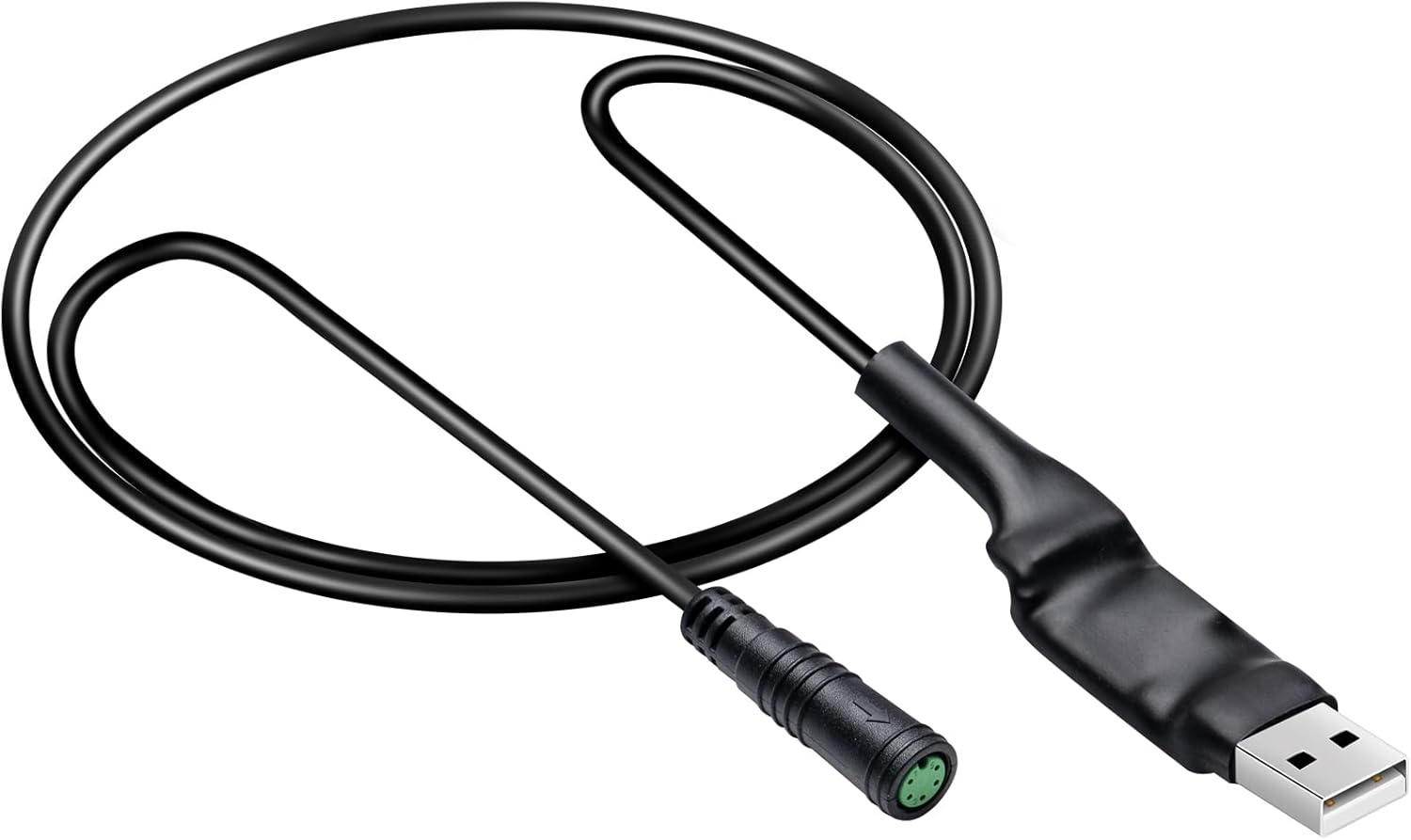
A 40-inch USB-A cable with a waterproof 5-pin female plug that connects a UART BBSHD, BBS01B or BBS02B controller to a Windows PC. A QR code on the label leads to the software and manual, so the first connection needs no hunting around forums.
Many BBSHD kits come configured so the throttle's power is tied to the assist level. In PAS 1 the thumb lever barely nudges the bike; you have to click up to level 9 to get a real pull. E-Mangue names the fix directly: with this cable you can enable full throttle in PAS levels 1 through 9.
That changes how a trail bike rides. You can cruise in PAS 2 to save battery, then thumb the throttle for full power to clear a root step or pull away from a stop on a hill, without clicking through seven levels first. The same software also lets the throttle override the maximum speed set for pedal assist, since that limit only applies to PAS.
Everything else in the controller opens up too: current per level, start behaviour, stop delay and throttle mode. The cable plugs into the display port on the 1T4 harness in place of the display, so the display stays untouched while you work. Compared with buying a programmable display, this is the lowest-cost way into a UART BBSHD's settings, and the BBSHD programming guide lists the full parameter set.
| Spec | Value |
|---|---|
| Brand | E-Mangue |
| Compatible motors | BAFANG BBS01B, BBS02B, BBSHD mid-drives |
| Power range covered | 250W, 350W, 500W, 750W, 1000W |
| Protocol | UART display bus |
| Computer connector | USB Type A |
| Motor-side connector | 5-pin female, waterproof |
| Connector gender | Male-to-female |
| Length | 40 inches (about 1 m) |
| Operating systems | Windows 7, 8, 10 |
| Software access | QR code on the cable label for software and manual |
| Run mode | Program must run as administrator |
| Use environment | Indoor and outdoor |
| Weight | 0.03 kg |
| In the box | One programming cable |
The label on this cable carries a QR code that links to the programming software and a user manual. For a first-timer, that removes the usual scavenger hunt through old forum threads for the right version of the tool. E-Mangue also points to the long-standing community write-up, A Hacker's Guide To Programming The BBS02 & BBSHD, for background on every setting.
The steps are the same on any UART BBSHD:
If the software cannot find the controller, the usual suspects are a missing USB-serial driver, the wrong COM port selected, a battery left off, or a bent pin in the 5-pin plug. Check each in that order.
The 40-inch length reaches from the display plug near the head tube to a laptop resting on a workstand tray or the ground. Programming outdoors after a trail session is fine, since the connector is waterproof, but keep the laptop dry and the bike stable. The waterproof rating covers the plug, not a USB port sitting in wet grass.
Most people buy a programming cable to go faster. The more useful long-term work is often the opposite: capping current, setting a sensible low-voltage cutoff and matching the wheel size. E-Mangue's note that battery performance and motor life can be improved by modifying parameters points at exactly these.
| Setting | Where | Why change it |
|---|---|---|
| Low battery protection | Basic tab | Set the cutoff to suit your pack's chemistry and voltage |
| Current limit | Basic tab | Lower it to reduce heat and battery stress on long climbs |
| Current per PAS level | Basic tab | Give low levels less current for efficient cruising |
| Wheel diameter | Basic tab | Match your tire so speed and speed limits read correctly |
| Start current and ramp | Pedal assist tab | Gentler starts spare the drivetrain and nylon gear |
A BBSHD pulling full current up a long grade at low speed makes a lot of heat. Trimming current in the middle assist levels keeps a daily commute cooler and stretches range, while the top level stays available for the steep pitch at the end.
One habit pays off here: write down what each change was meant to fix, then ride the same loop before and after. Heat and range changes show up over a week of commutes, not one lap of the block.
Pair these tweaks with sensible gearing. A smaller chainring keeps motor revs up on climbs, and the BBSHD chainring guide pairs ring size with those settings.
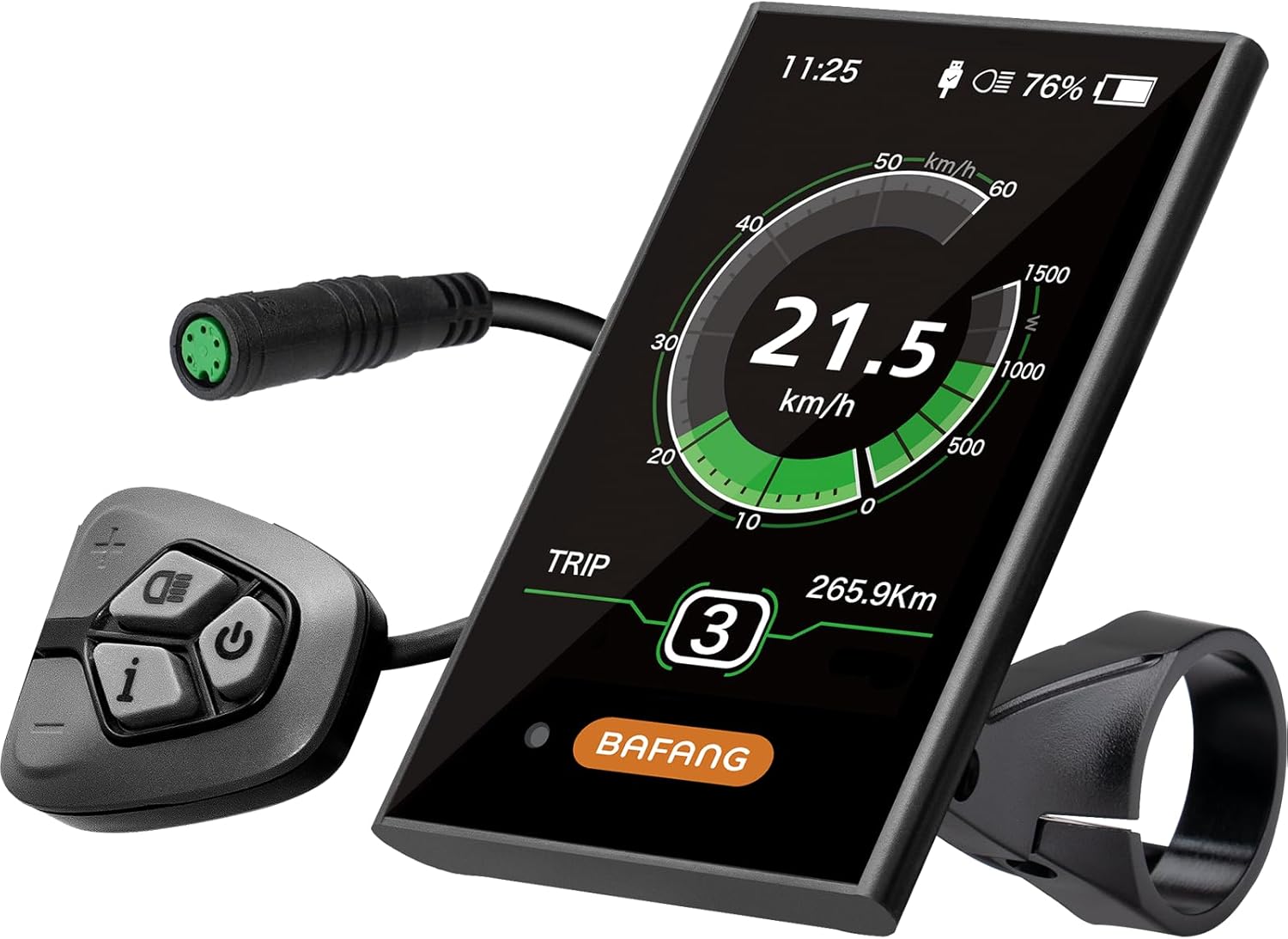

Two UART cables here do the same core job: the E-Mangue and the Zeekpowa programming cable. Both run 40 inches, both use USB-A at the computer and a 5-pin plug at the bike, and both cover BBS01, BBS02 and BBSHD. The differences are in the plug and in the help that comes with it.
Pick the E-Mangue if this is your first time programming a BBSHD, or if you want to carry the cable and adjust settings on a ride. Pick the Zeekpowa if you already have the software saved and just need a connection. Neither works on a Bafang CAN-bus kit, where programmable displays or the BAFANG GO app take over.
Three checks decide whether it suits your bike: your kit uses a UART display with a 5-pin plug on the 1T4 harness, you have a Windows PC with admin rights, and you accept that reprogramming may void the warranty, as E-Mangue warns. If the display plug is not 5-pin, read the BBSHD display guide to identify your system first.
Scan the QR code on the cable's label. It links to the software and a user manual for Windows 7, 8 and 10.
Run the program as administrator, check that the battery is switched on, install the USB-serial driver, and pick the right COM port. A bent pin in the 5-pin plug is the next suspect.
Yes. The cable lets you enable full throttle in PAS levels 1 through 9 and let the throttle override the PAS speed limit.
It may. E-Mangue states that reprogramming the drive may void the warranty, so save the stock settings and check with your kit's supplier first.